

ZOOWAI SUPPORT
Helpful answers begin with a clear destination.
Whether you need information, a solution, or a place to share feedback, start here.
PRODUCT HELP
Get help by product
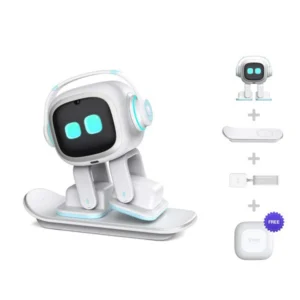 EMO AI Desktop Companion
View guide
EMO AI Desktop Companion
View guide
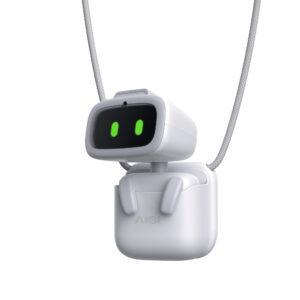 AIBI Pocket AI Companion
View guide
AIBI Pocket AI Companion
View guide
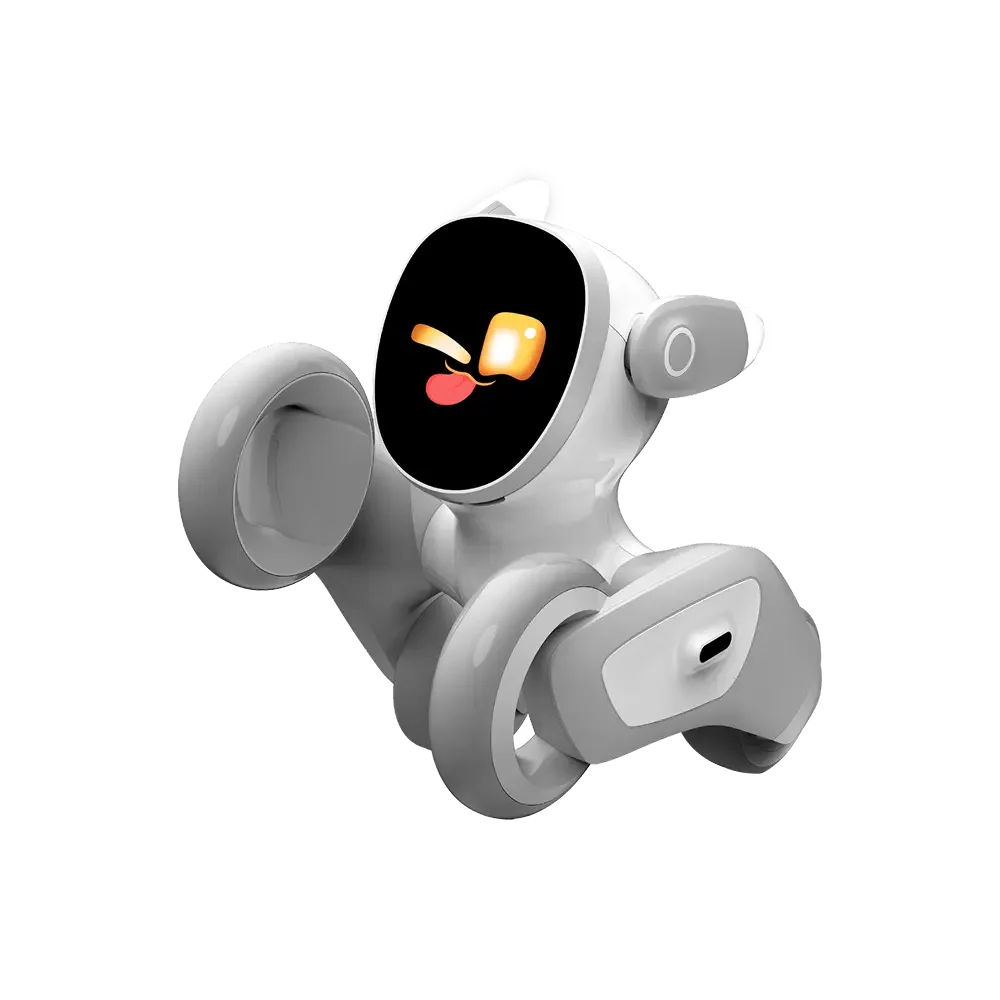 Loona Companion Robot
View guide
Loona Companion Robot
View guide
 Meteer Dancing Robot
View guide
Meteer Dancing Robot
View guide
 Xingjiao Mengmeng
View guide
Xingjiao Mengmeng
View guide
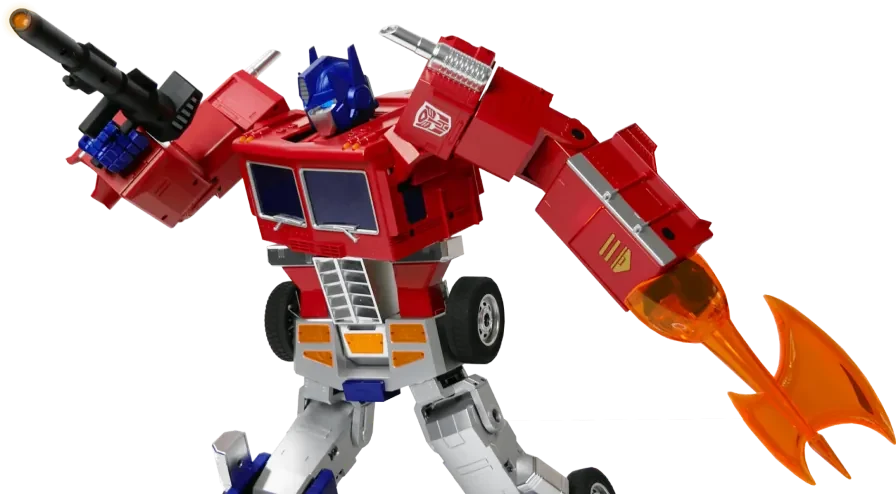 Robosen Elite Optimus Prime
View guide
Robosen Elite Optimus Prime
View guide
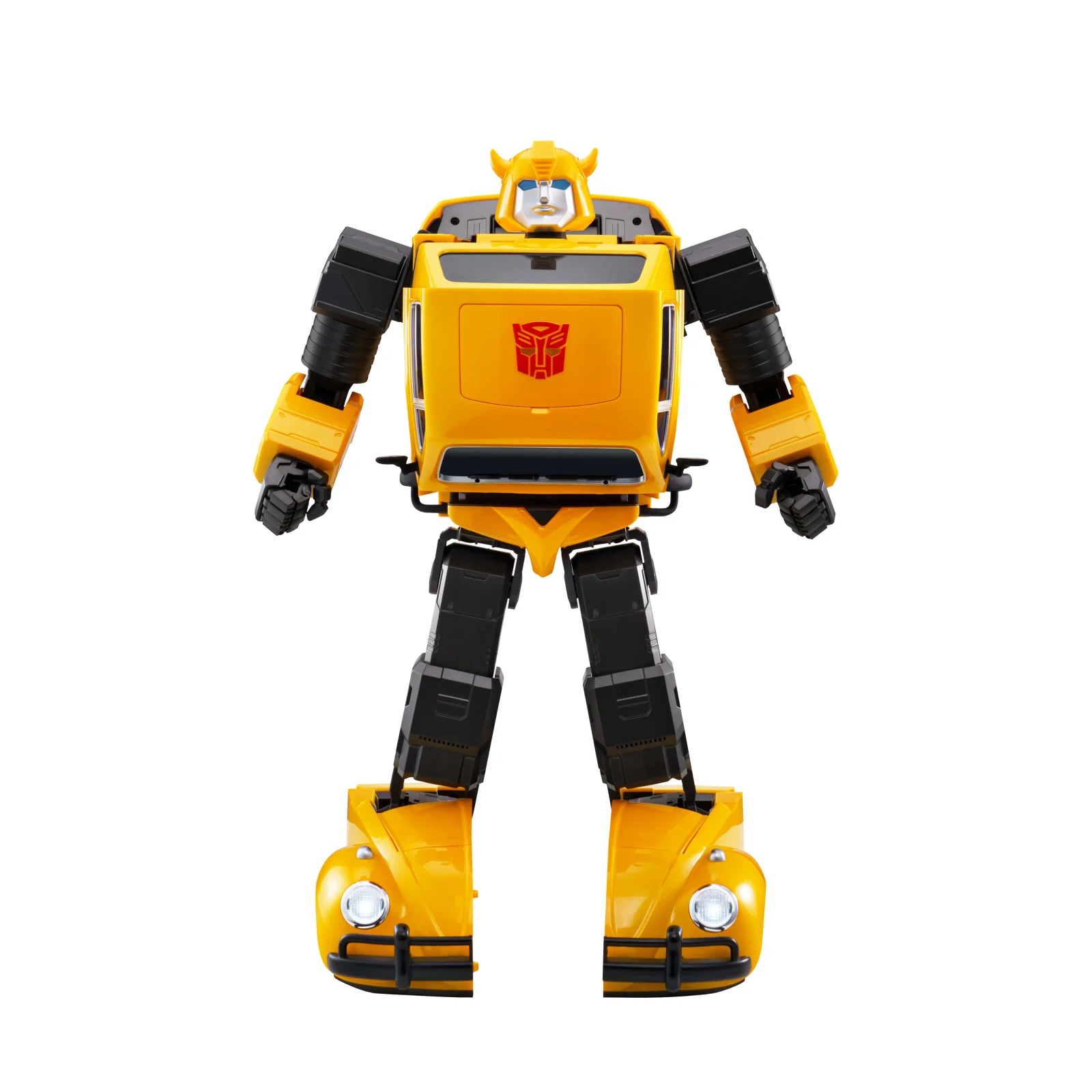 Robosen Flagship Bumblebee
View guide
Robosen Flagship Bumblebee
View guide
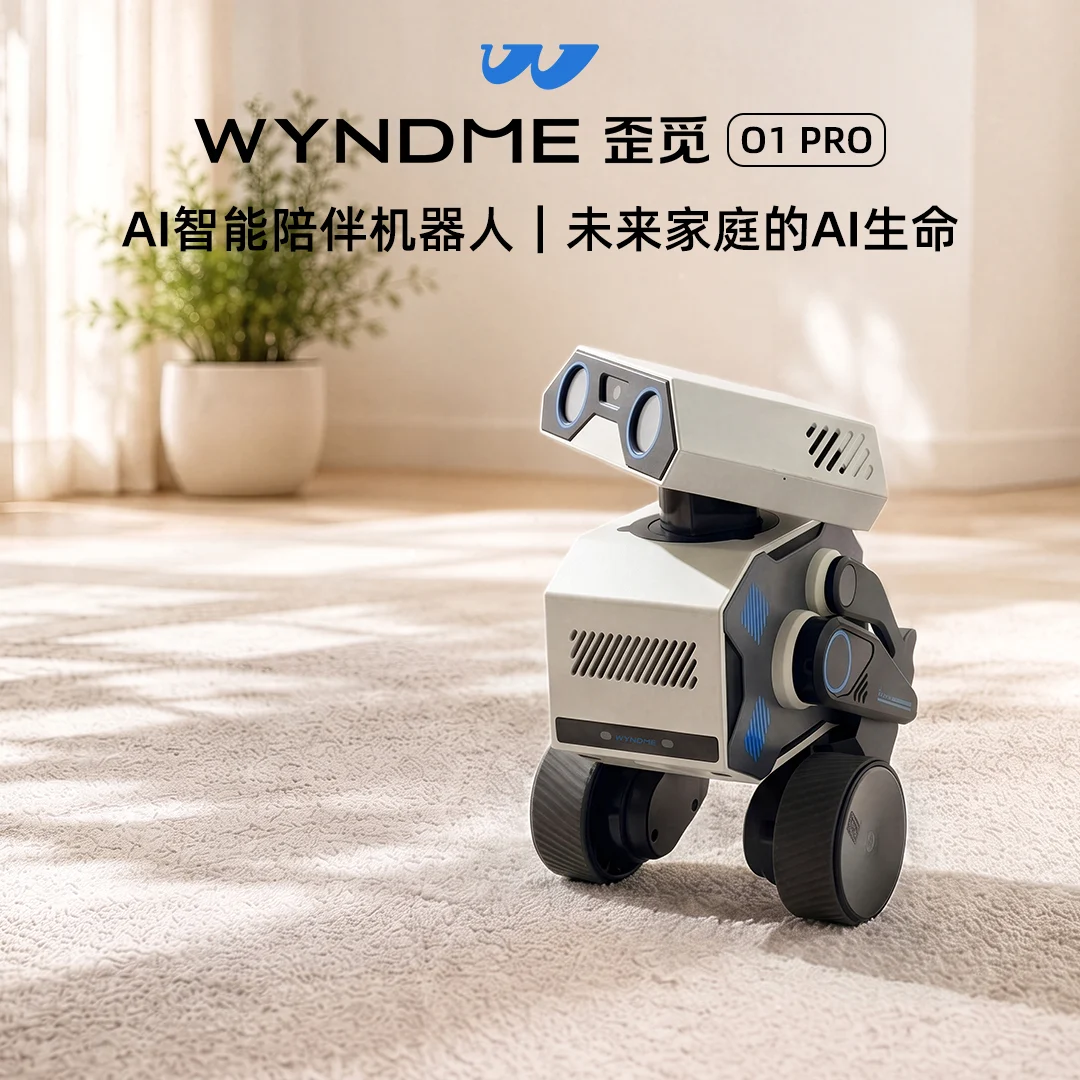 WYNDME O1 PRO (Presale)
View guide
WYNDME O1 PRO (Presale)
View guide
 Fuzai Qixing
View guide
Fuzai Qixing
View guide
 MOBUDDY Puffo
View guide
MOBUDDY Puffo
View guide
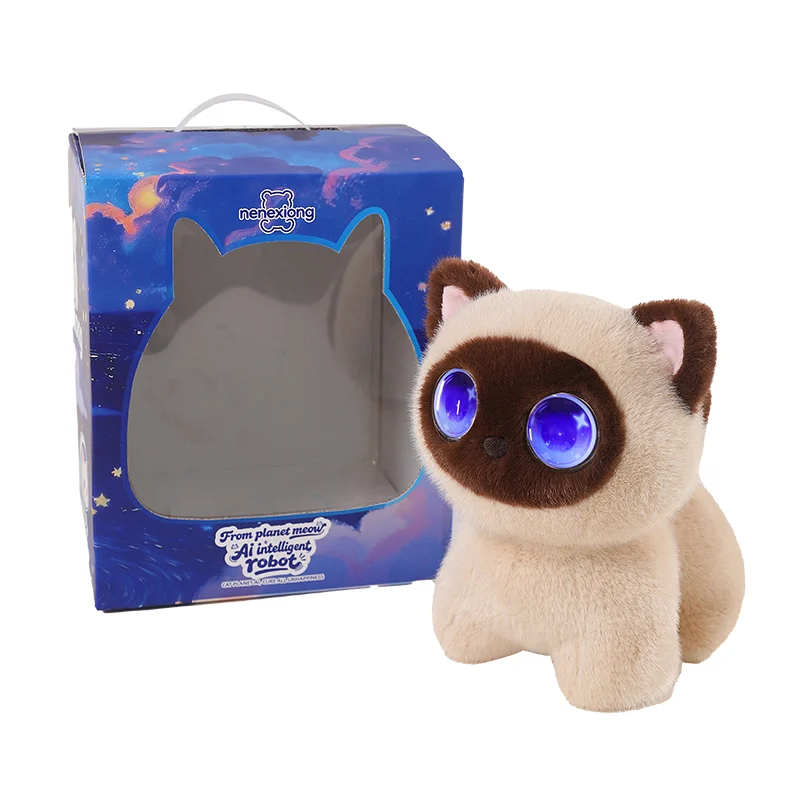 AOOMII Meow Star
View guide
AOOMII Meow Star
View guide
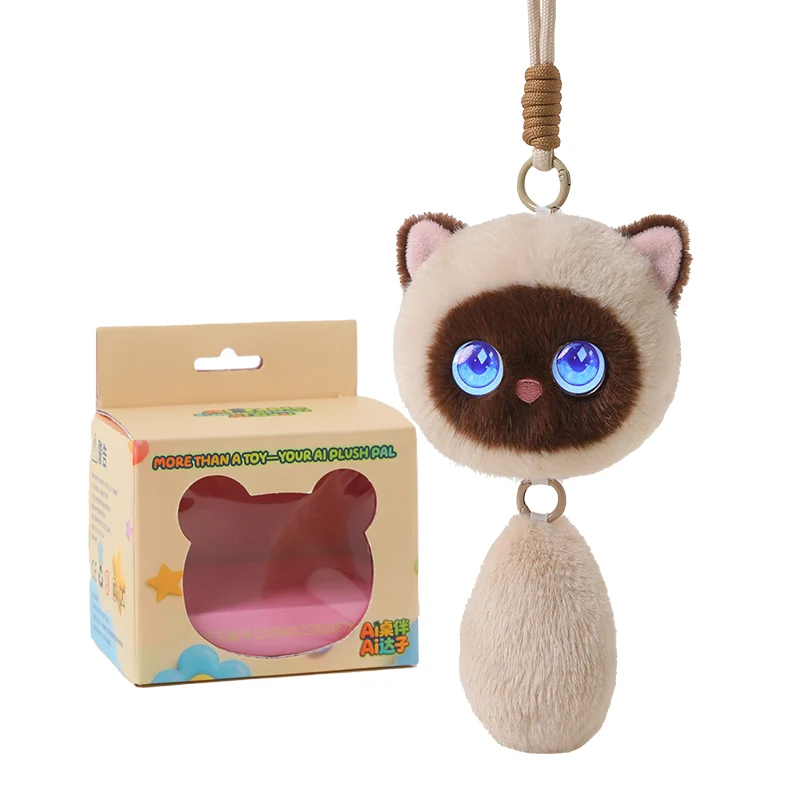 AOOMII Meow Elf
View guide
AOOMII Meow Elf
View guide
 PlantBot AI Plant Companion
View guide
PlantBot AI Plant Companion
View guide
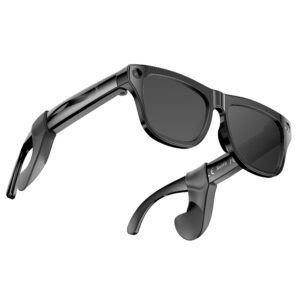 XK ONE Mac AI Smart Glasses
View guide
XK ONE Mac AI Smart Glasses
View guide
Delivery
Feedback
Official announcements
See the latest official announcements and important notices.
View official updatesCommunity discussions
See official updates and exchange product experiences and suggestions with other users.
Visit the community