

PRODUCT GUIDES
Guides
Find quick-start steps, connection guidance, manuals and FAQs by product.
Sign in to see purchased products first.
Sign in
Featured product
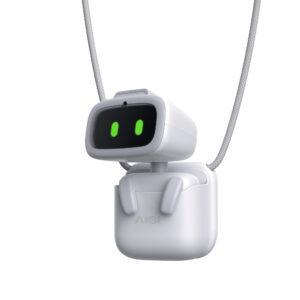
AIBI Pocket AI CompanionAI Companion Robots · Other products
View guide
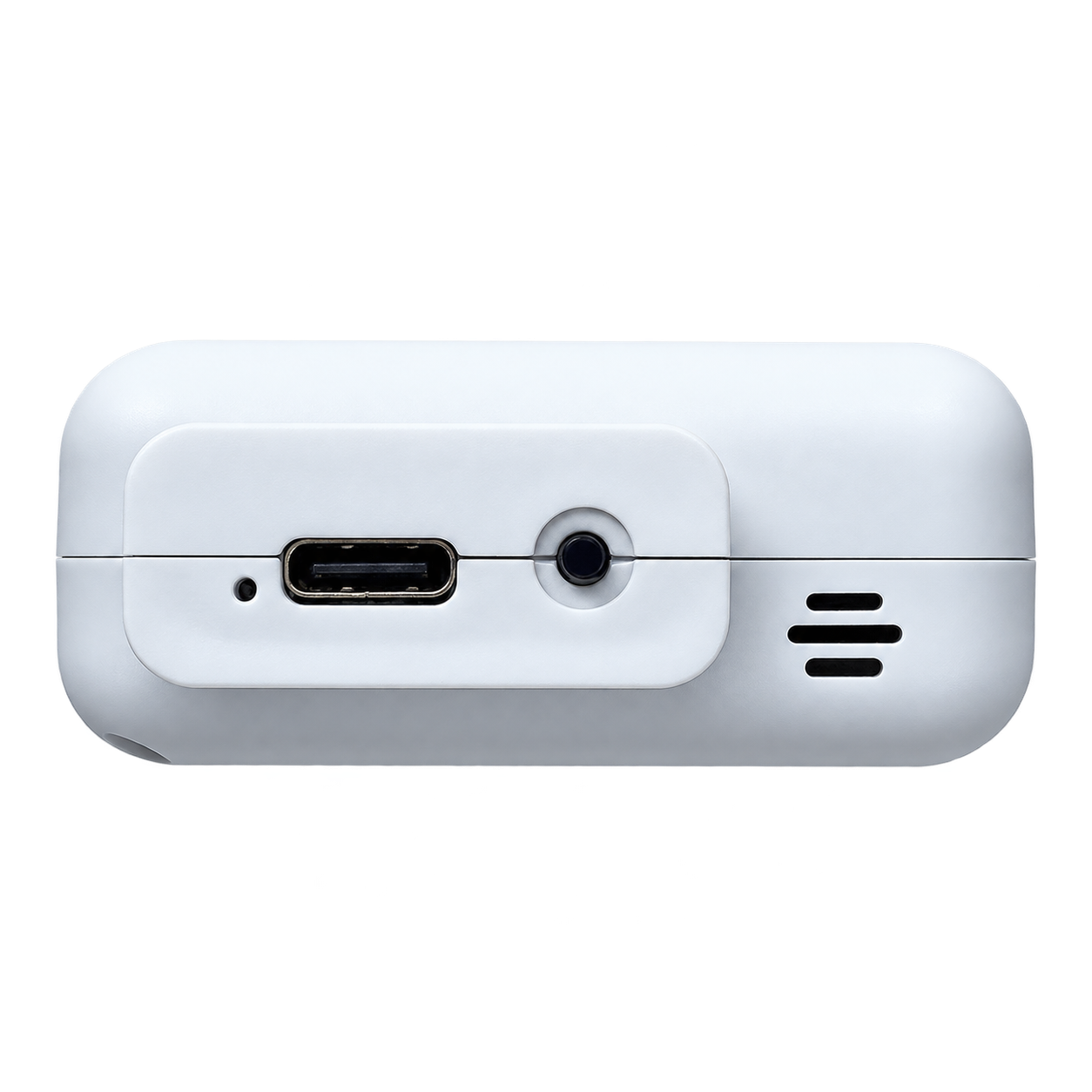
AI Core Module A3 (Wi-Fi)Robot Accessories · Device Accessories
View product
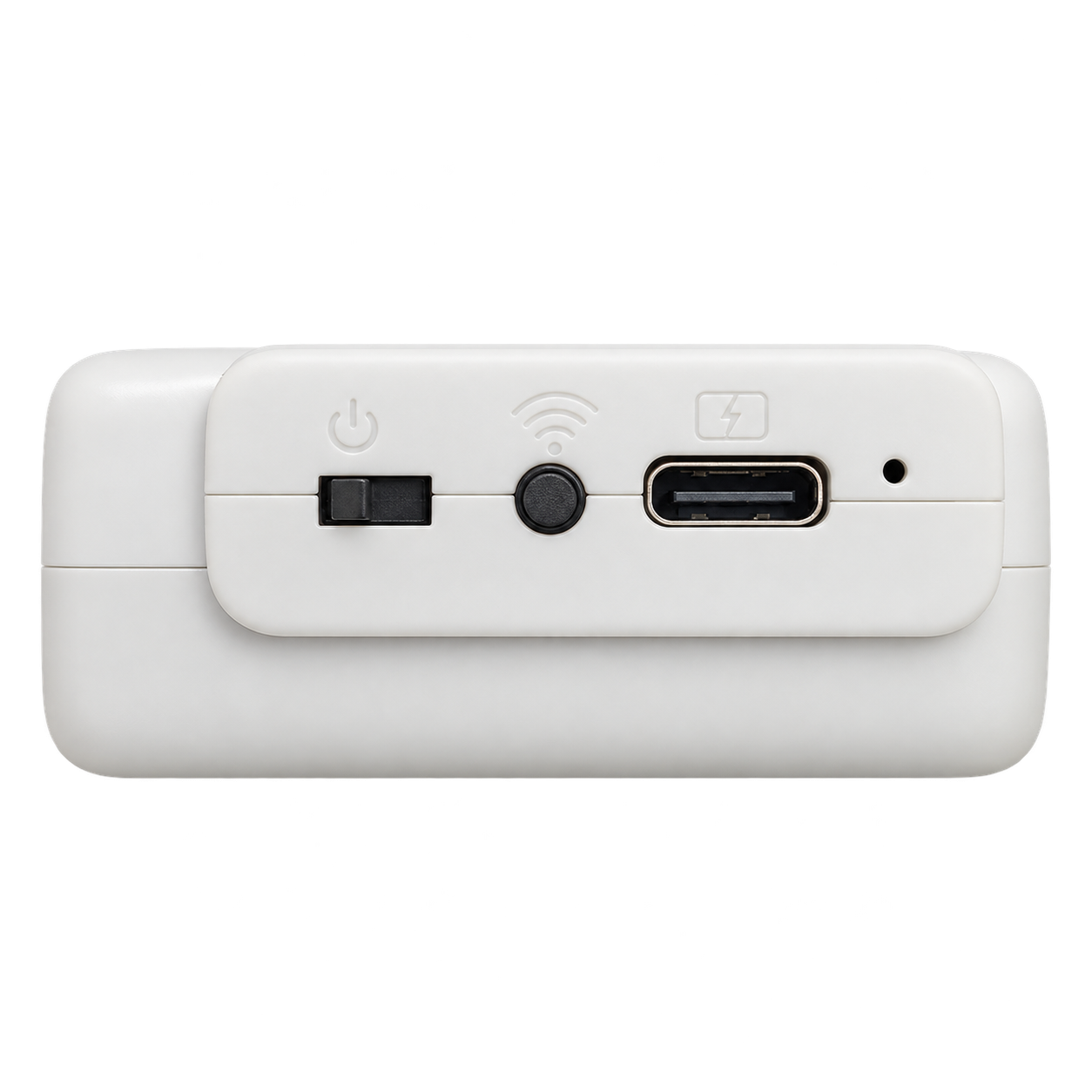
AI Core Module A5 (Wi-Fi)Robot Accessories · Device Accessories
View product
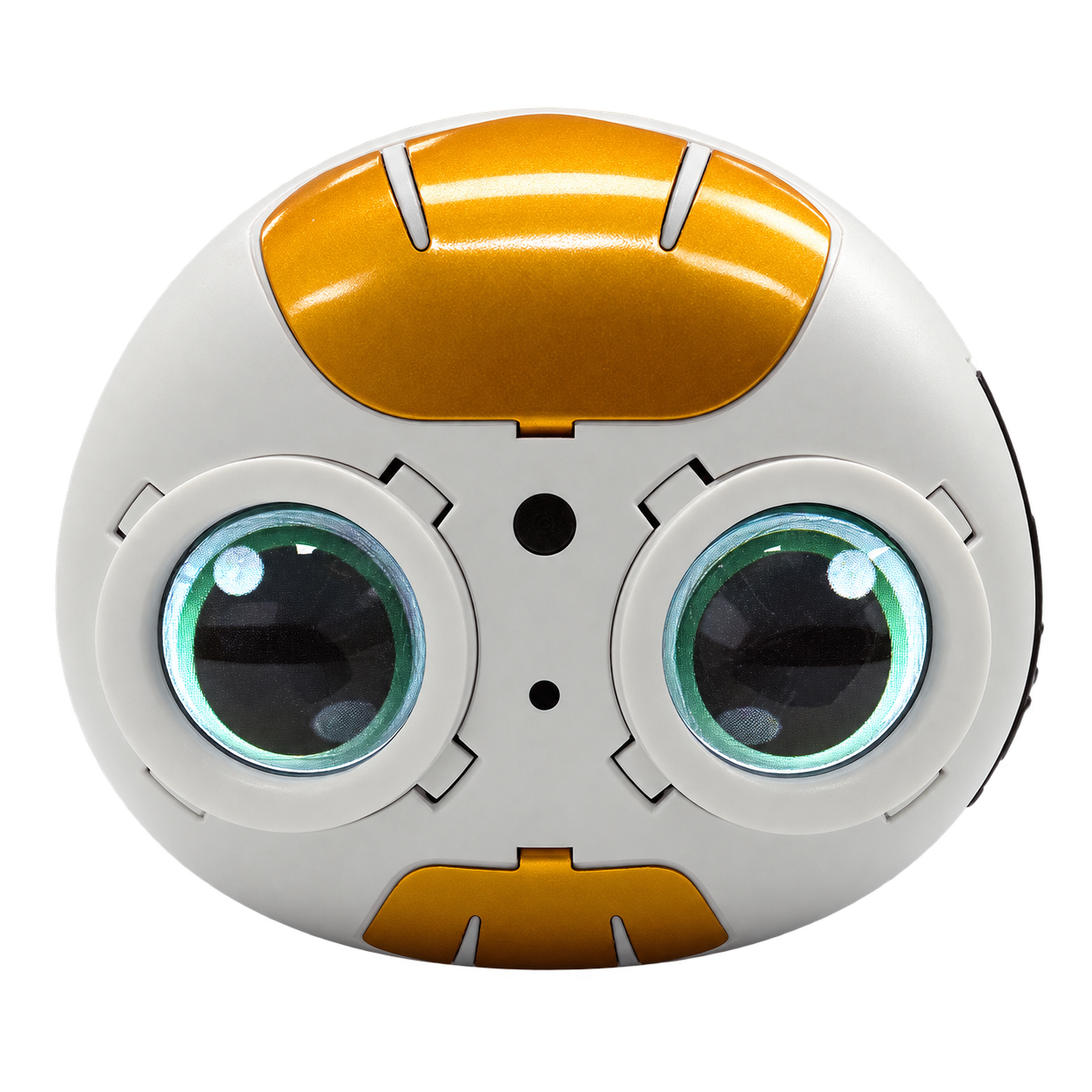
AI Core Module A6 Wi-FiRobot Accessories · Device Accessories
View product
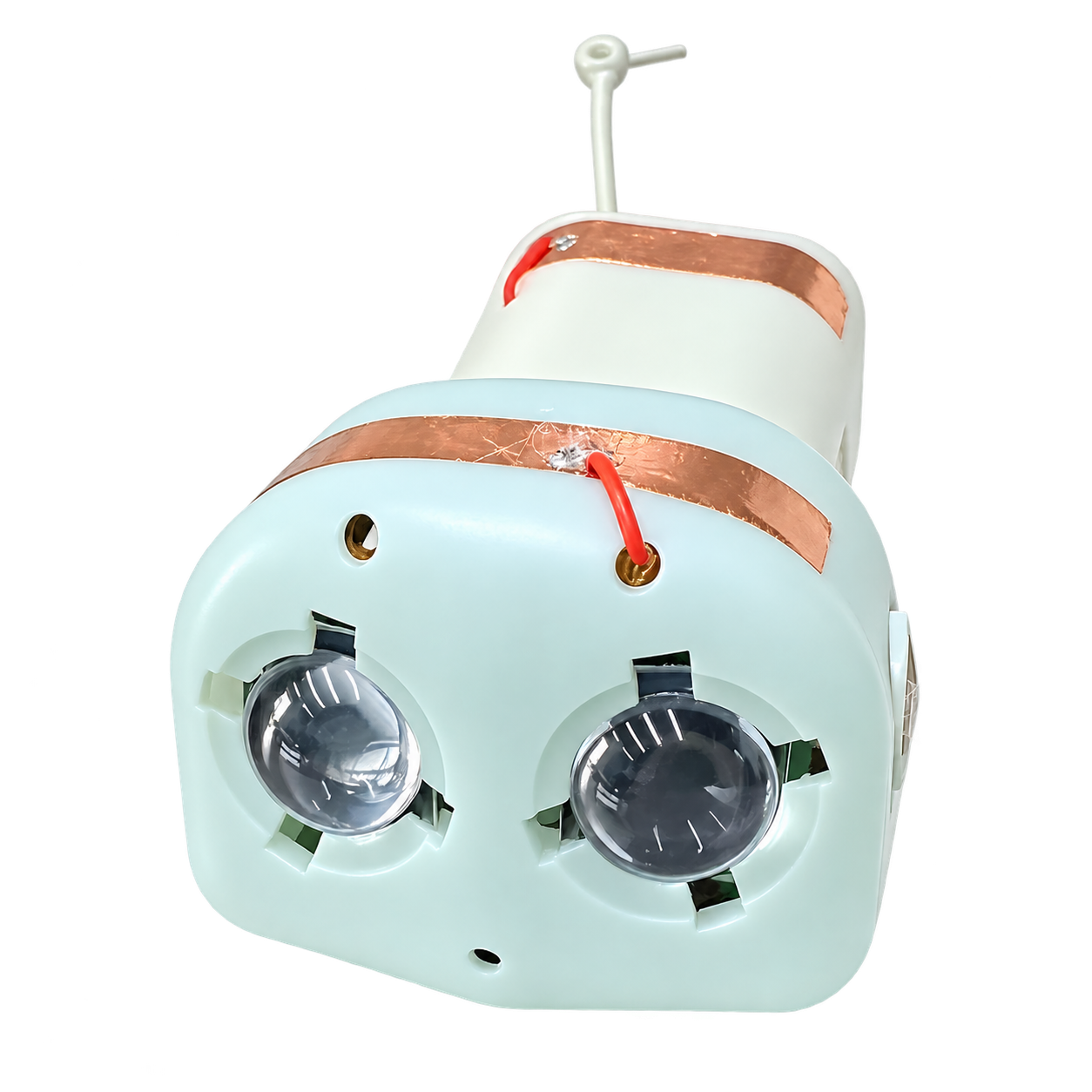
AI Core Module A7 (Wi-Fi)Robot Accessories · Device Accessories
View product
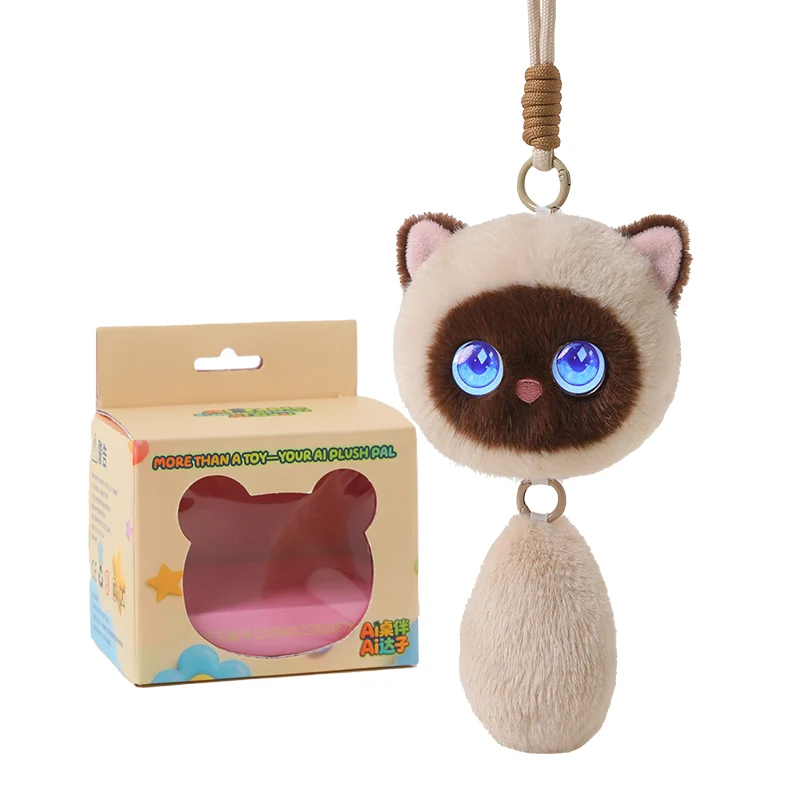
AOOMII Meow ElfAI Plush Robots
View guide
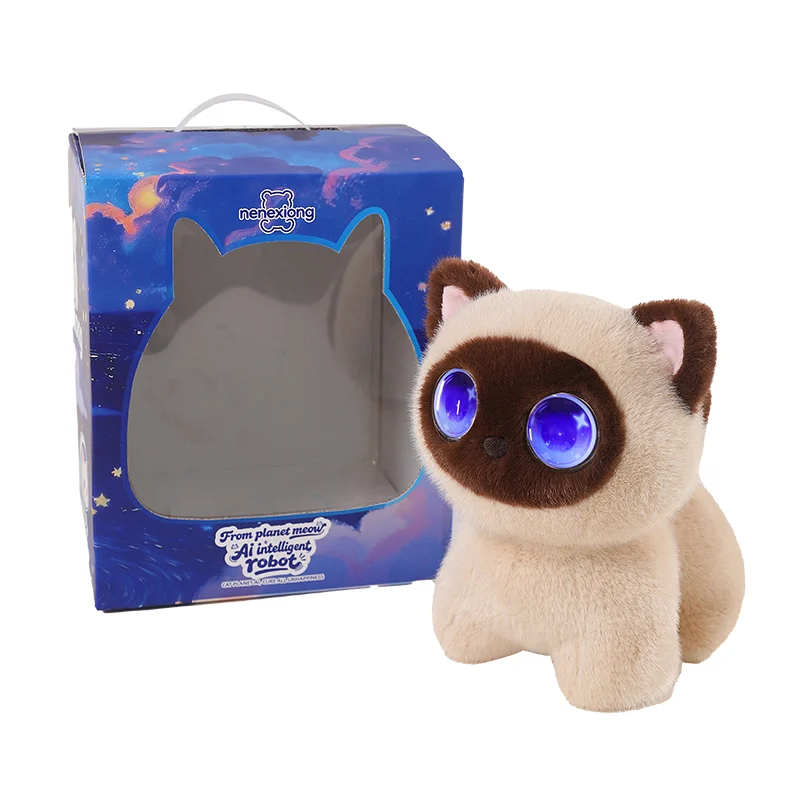
AOOMII Meow StarAI Plush Robots
View guide
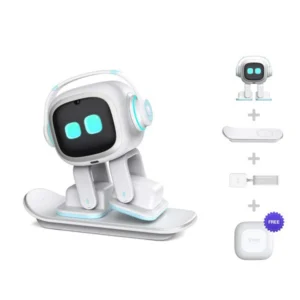
EMO AI Desktop CompanionAI Companion Robots · Other products
View guide

Fuzai QixingAI Plush Robots
View guide
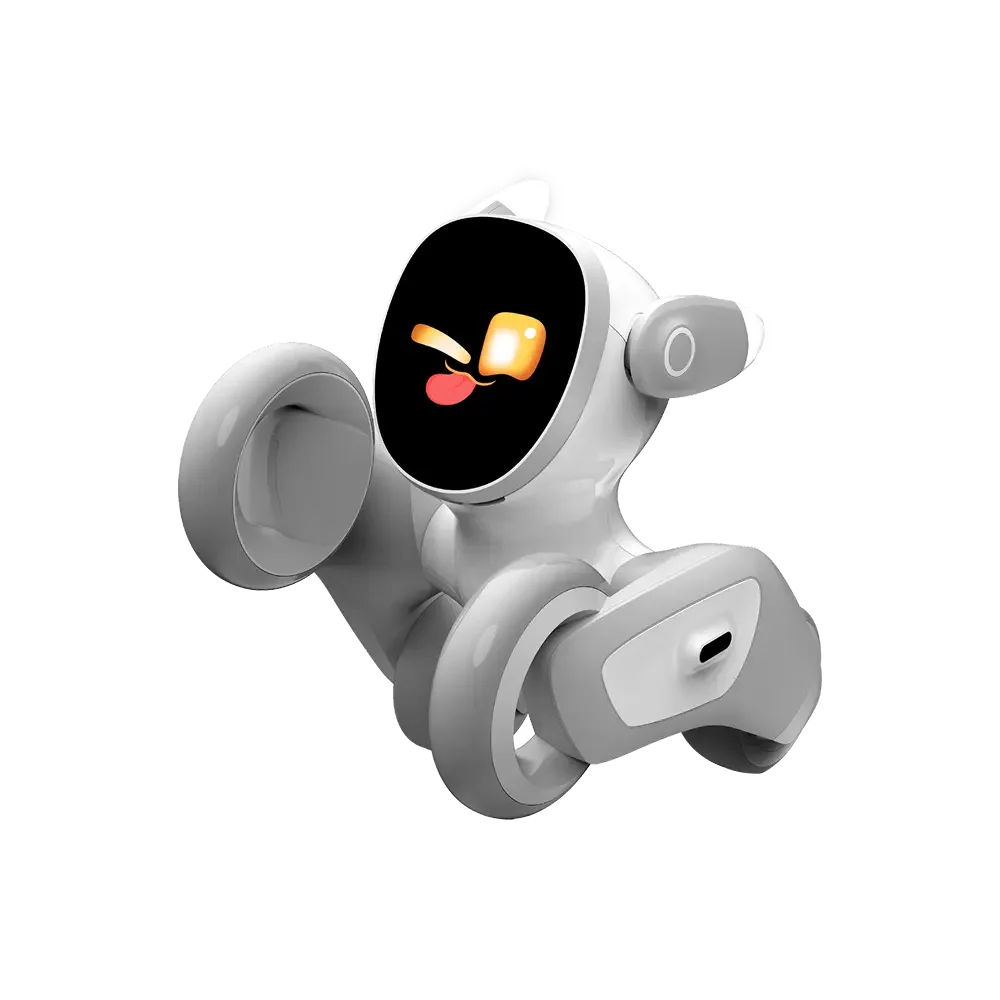
Loona Companion RobotAI Companion Robots
View guide

Meteer Dancing RobotAI Play Robots
View guide

MOBUDDY PuffoAI Plush Robots
View guide

PlantBot AI Plant CompanionAI Companion Robots
View guide
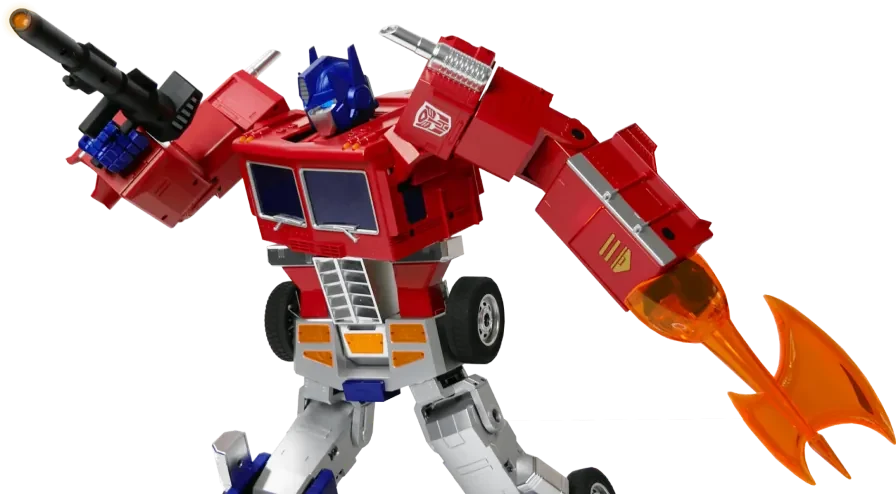
Robosen Elite Optimus PrimeAI Play Robots
View guide
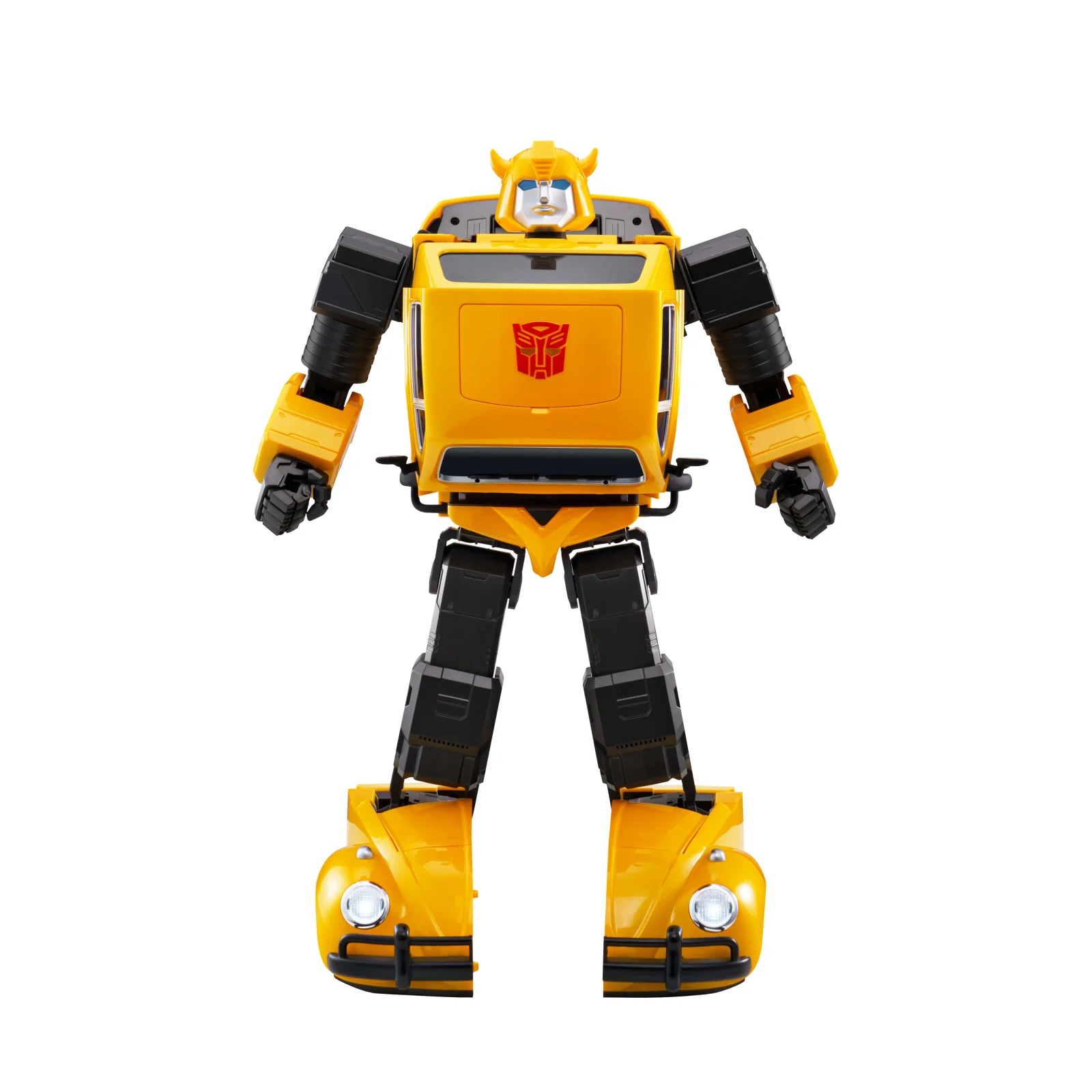
Robosen Flagship BumblebeeAI Play Robots
View guide
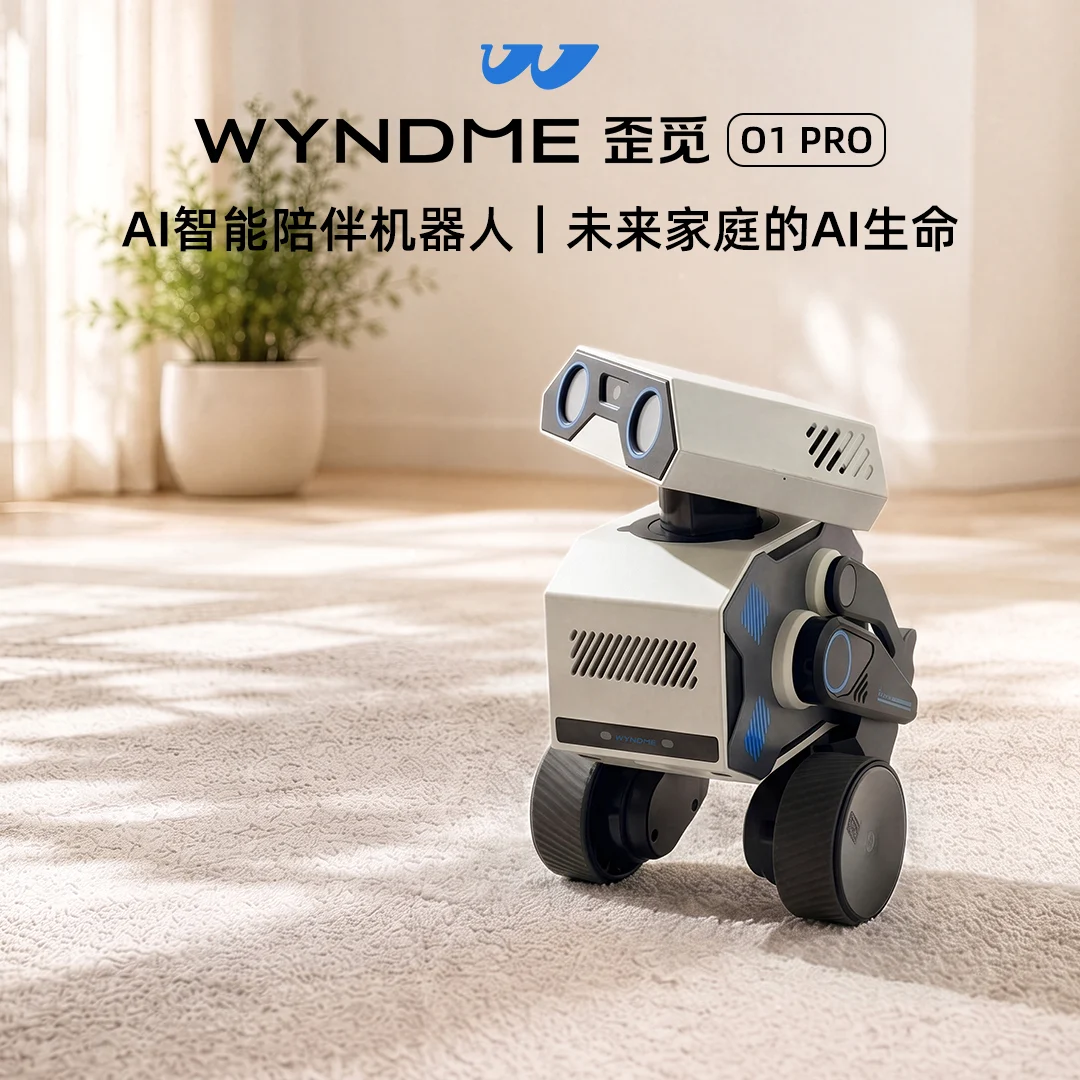
WYNDME O1 PRO (Presale)AI Companion Robots
View guide
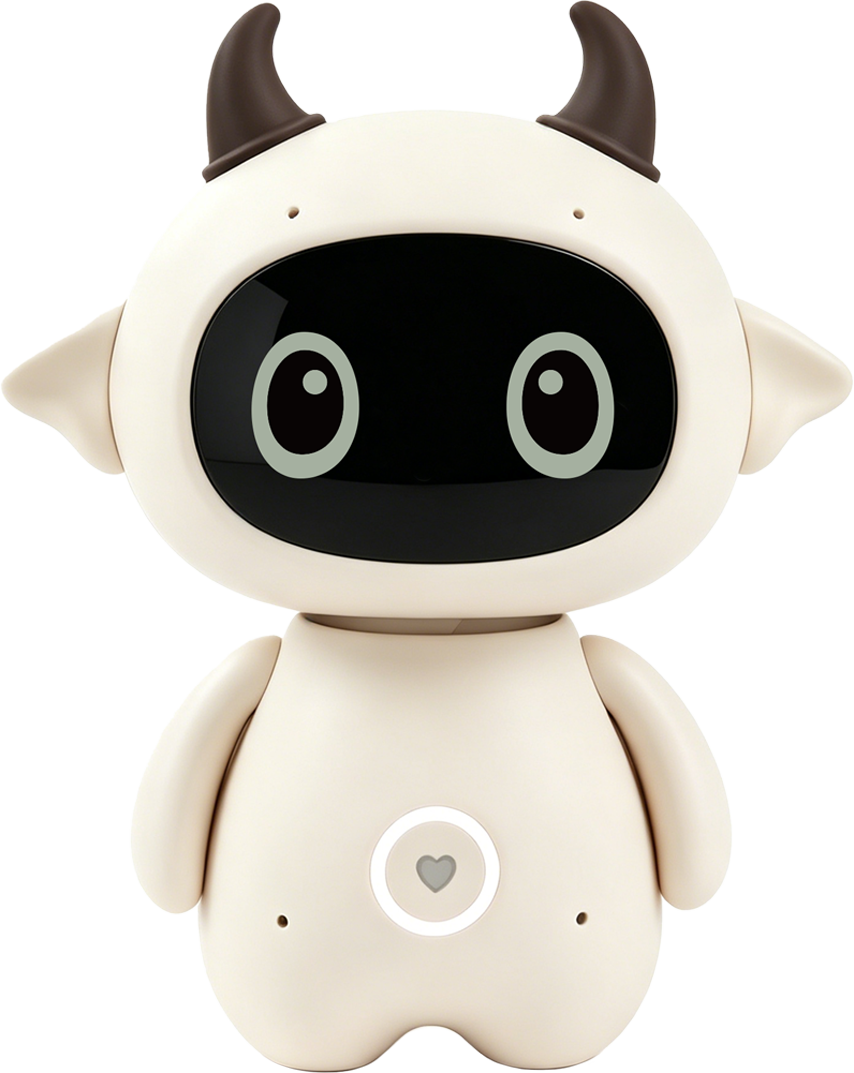
Xingjiao MengmengAI Learning Robots
View guide
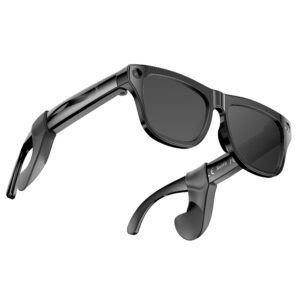
XK ONE Mac AI Smart GlassesAI & Smart Devices · Other products
View guide
No matching guides were found.
01 · QUICK START
Quick start
- Check that the product and accessories are complete.
- Charge and power on the device as instructed.
- Complete the basic connection and permission settings.
02 · CONNECTION
Connection & setup
- Make sure the device has enough power.
- Enable the required Bluetooth, network and system permissions.
- If the device is not found, restart it and your phone, then try again.
03 · FAQ
Frequently asked questions
What if the device will not connect?
Check power, permissions and the network, then restart the device and phone before trying again.
What if the instructions differ from the product?
Follow the original manual and the physical product, then contact support for verification.