

PRODUCT · GUIDE
Robosen Flagship Bumblebee Guide
Official English DHFF Flagship manual; the web guide also provides a Chinese summary.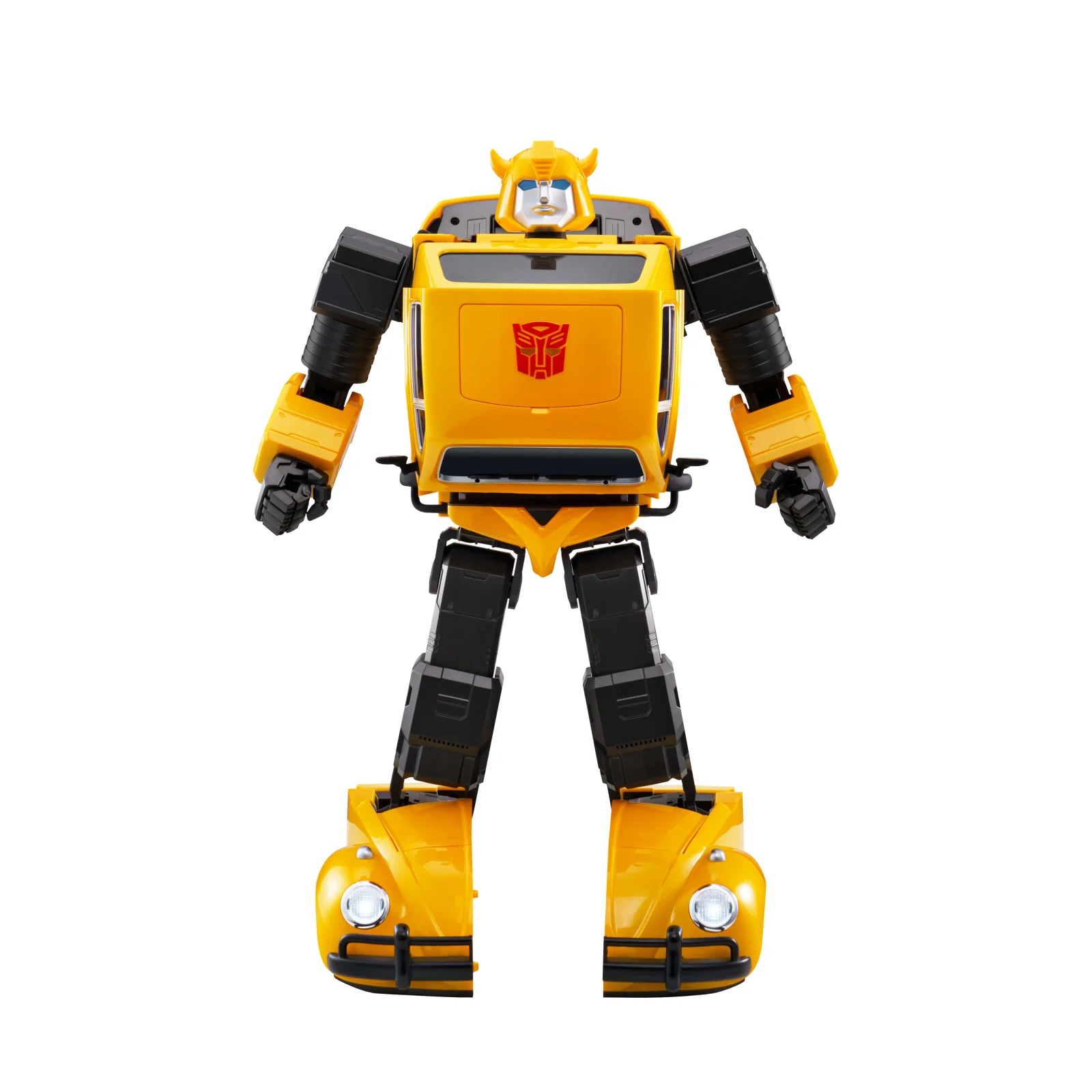
01 · GUIDE
Product and documentation
Official English DHFF Flagship manual; the web guide also provides a Chinese summary.This listing is the Robosen Bumblebee G1 Flagship Robot, model DHFF. With 31 servo motors and 67 chips, it converts automatically between vehicle and robot forms and supports voice or app control. Price is pending and purchasing is disabled. Documentation is specific to this transforming flagship model.
Guide image coming soon
02 · GUIDE
Power and charging
Charge with power off. Use the supplied Type-C cable and 30W adapter; the manual gives about 2 hours for a full charge.Guide image coming soon
03 · GUIDE
First power-on
Place it on a level hard surface with movement clearance. Hold power about 3 seconds until it responds. Do not start transformation while holding it.Guide image coming soon
04 · GUIDE
Connection and pairing
Install the matching Robosen app, enable Bluetooth and connect as instructed. Use one controlling phone at a time and keep it close to the robot.Guide image coming soon
05 · GUIDE
Everyday interaction
English wake phrases: “Hi Bumblebee” or “Hi Bee”. After it responds, use a documented command such as “Convert”. Voice language depends on the regional edition.Guide image coming soon
06 · GUIDE
Controls and settings
Voice and app control do not work simultaneously. Disconnect the app before voice control; use the app to restore volume if muted.Guide image coming soon
07 · GUIDE
Editions and accessories
This listing is for DHFF Flagship Bumblebee. Trailers or accessories from other editions are not promised. Price is pending.Guide image coming soon
08 · GUIDE
Care and updates
Manage actions and updates as directed in the app. Maintain battery charge, keep motion paths clear and never force the mechanism while powered off.Guide image coming soon
09 · GUIDE
Troubleshooting
If voice wake fails, check whether the app is still connected. If unstable, move to a level hard surface. For a joint warning, stop and restart; contact support if it persists, without disassembly.Guide image coming soon
10 · GUIDE
Safety and support
This is a precision motorised robot. Keep clear of joint pinch points and small parts during conversion; avoid drops, water and heat.Zoowai: One-year warranty for non-user-caused faults. User-caused damage and out-of-warranty repairs are chargeable; the customer pays repair shipping.
Guide image coming soon
NEED MORE HELP?