

PRODUCT · GUIDE
Santa & Jolly AI Holiday Plush Guide
Compiled from supplied videos and artwork; not an original manufacturer manual. Instructions may vary with software.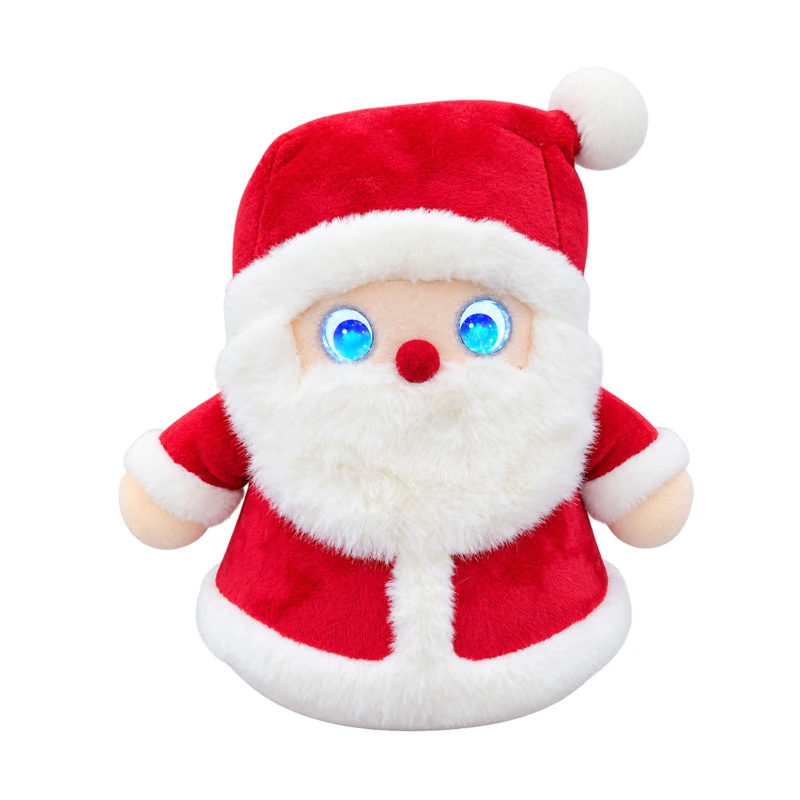
01 · GUIDE
Meet the editions and this guide
Choose Santa, the red Christmas plush, or Jolly, the green tree gnome. The editions are individual choices, not a two-toy bundle. Zoowai compiled this guide from supplied bilingual demonstration videos and product artwork; it is not an original manufacturer electronic manual. Both editions feature expressive illuminated eyes and voice interaction. No 3D model is available. The exploded illustration is conceptual and does not show verified internal layout or repair instructions.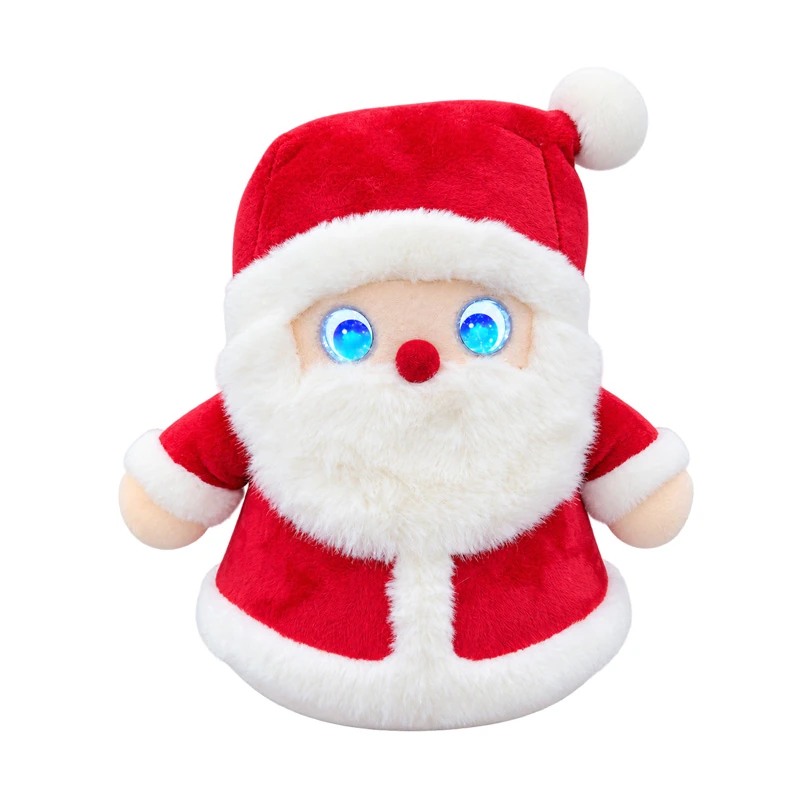
02 · GUIDE
Charging and first checks
Locate the Type-C port and power switch underneath. Switch off before connecting the charging cable. Supplied artwork specifies 1000mAh, about 2 hours charging and about 6 hours operation, varying with volume, conversation and connectivity. Rated input voltage/current and test conditions were not supplied; do not infer a charger rating from these figures. Use compliant equipment matching the device label, keep the port dry and charge uncovered. Ask support if the rating is unclear.03 · GUIDE
Power and network setup
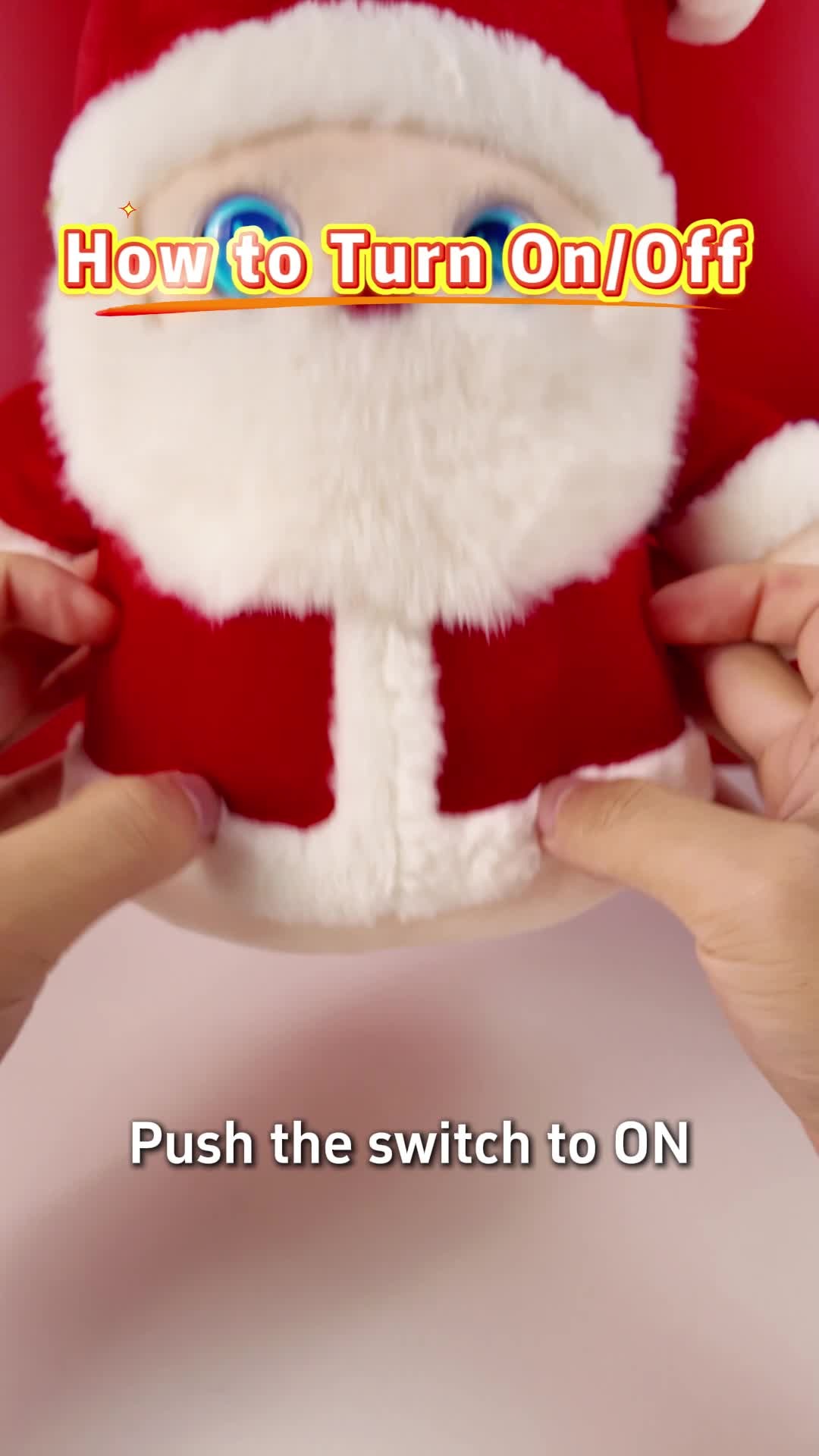
1. Slide the bottom switch to ON to start, or OFF to shut down.2. The demonstration presses the bottom network button three times to reset network configuration.
3. Connect the product from your phone using the setup entry supplied with your device or package. The video does not fully show the application name, download URL, Wi-Fi bands or all phone screens. Contact support for the correct setup method for your batch if the entry is missing.
04 · GUIDE
Arm button and conversation modes
In the supplied demonstration, press the interaction button in the arm once to mute, then press again to start a conversation. Press three times for free-talk mode. Distinguish this control from the bottom network button. Wait for the prompt before speaking and reduce background noise. Responses may vary by firmware.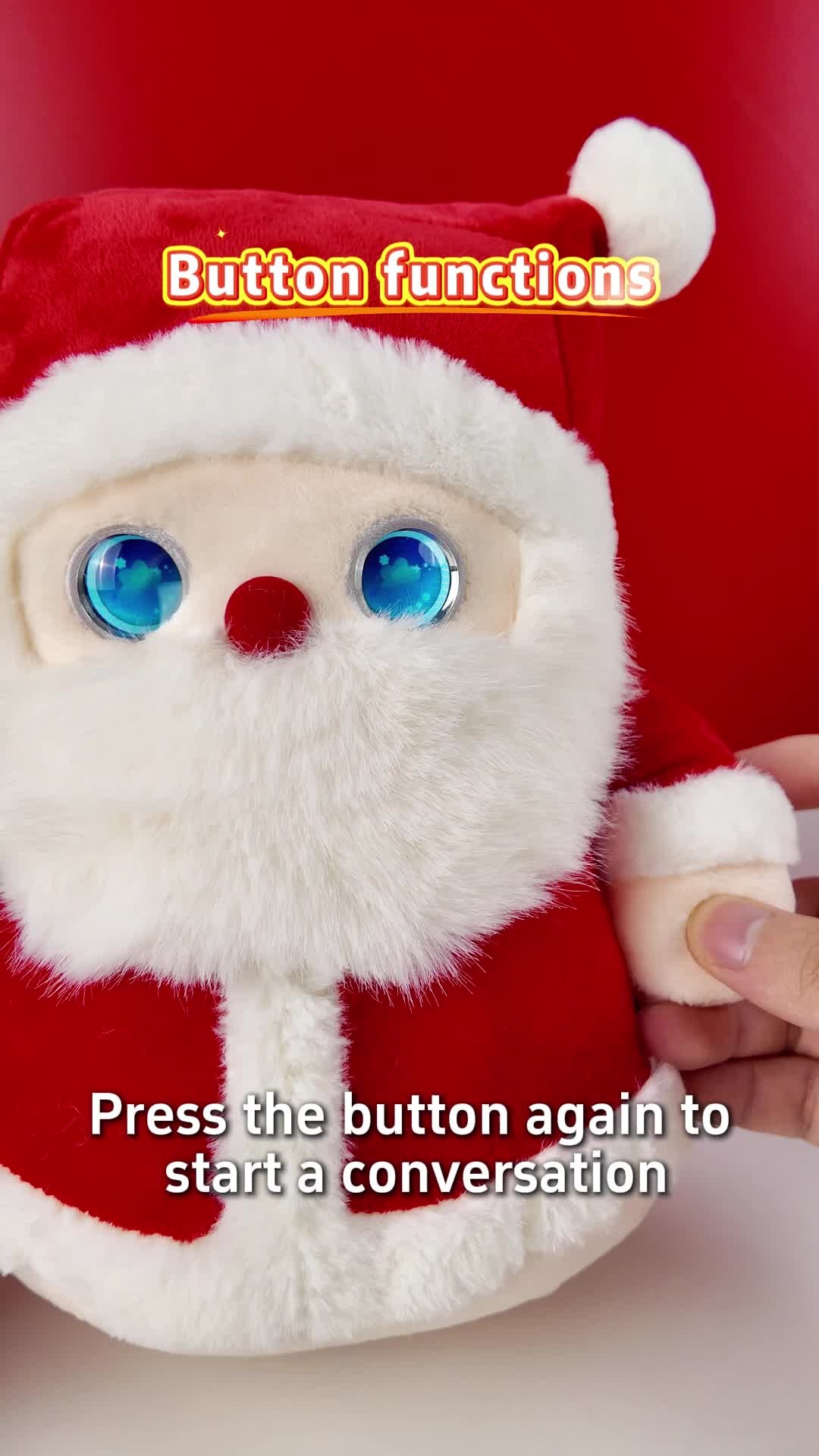
05 · GUIDE
Wake, stories and songs
The Chinese demonstration uses “你好涂涂” (Ni hao Tu Tu); the English Santa video shows “Ho ho ho”. These are demonstrated examples, not a promise of identical wake words across all batches and languages. Follow your device prompt. Once chatting, try “Tell me a story” or “Play a song”. Use “Pause playback” or “Stop playback” to pause. Online content depends on network, region and service availability.06 · GUIDE
Volume, battery, language and speed
Demonstrated English examples include “Your voice is too loud”, “Set volume to 80%”, “What is the current volume”, “What is the current battery level”, “Can you speak English with me” and “Set speech rate to 50”. Try one instruction at a time and check the response. Numbers are examples from the demonstration, not a guarantee that every value is supported.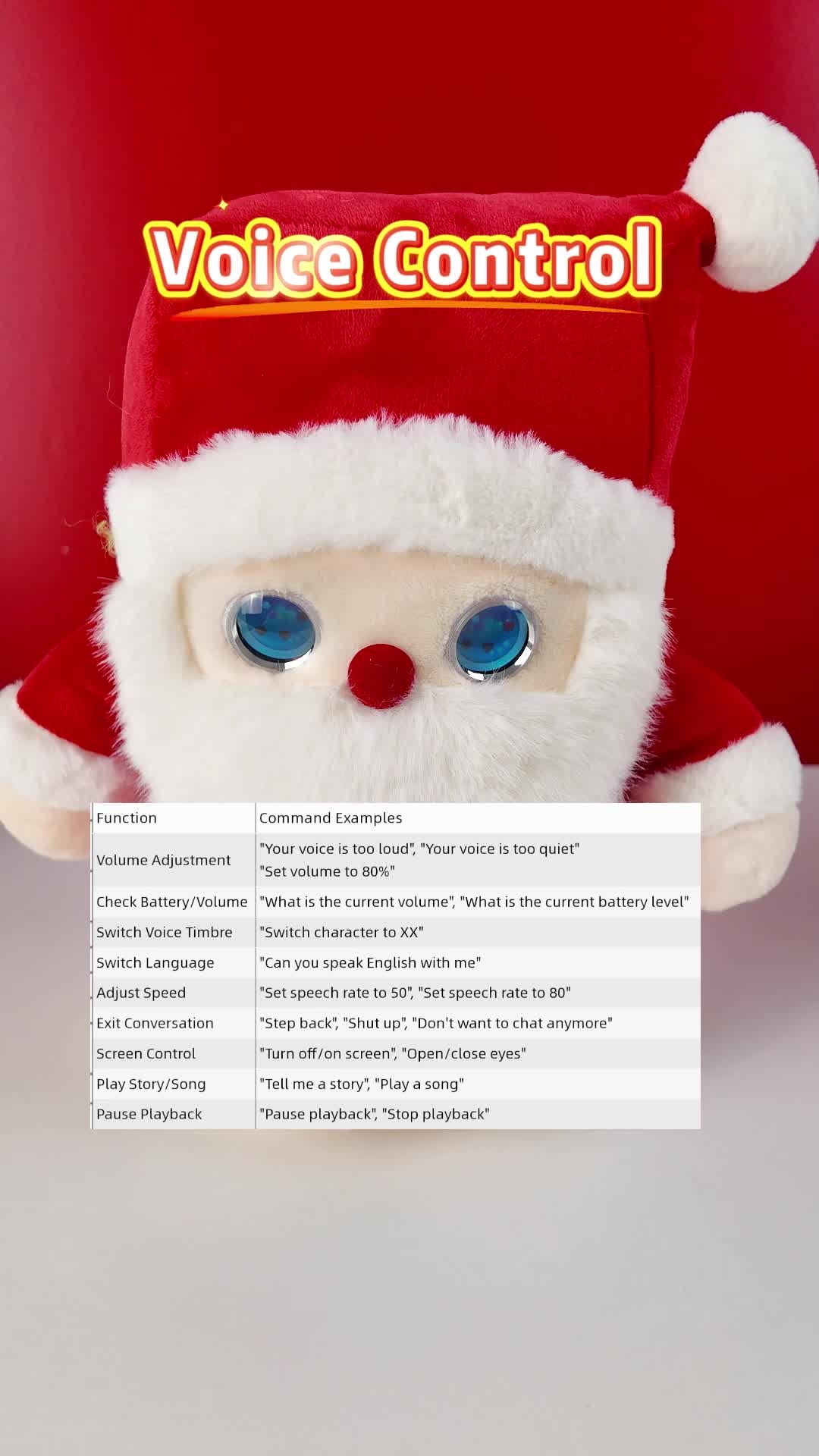
07 · GUIDE
Expressions, touch and characters
The demonstration touches the back of the head to trigger a festive sound; the eyes display changing expressions. Voice examples include “Turn off screen” and “Open eyes”. Supplied artwork shows phone interfaces for character selection, chat history, character memory, volume and custom characters. Use your device-specific setup entry; menus depend on current software. Account names and model names pictured in artwork are not a fixed service commitment.08 · GUIDE
Care and storage
Keep this electronic plush dry and away from heat or flames. Switch off and unplug before cleaning; gently wipe the exterior only. Do not soak or machine wash, and keep liquid out of eyes, controls and charging ports. Do not open the battery or internal wiring. Adults should guide children during use. Age grading and full certification documents await supplier confirmation; artwork logos alone are not certification evidence.09 · GUIDE
Troubleshooting
No power: check the bottom switch, battery and charging connection. No network: confirm the phone setup entry; reset the network using chapter 3 if needed. Wi-Fi bands were not stated, so neither 5GHz nor 2.4GHz compatibility is assumed. No sound: unmute using the arm button and adjust volume. No response: allow startup to finish, check connectivity and use the device prompt for waking. If unresolved, record the edition and symptom, then contact support without dismantling the device.10 · GUIDE
Specifications and support
Santa: 26 x 22 x 14cm. Jolly: 33 x 29 x 24cm, approximately 350g. Both: plush fabric and electronics, Type-C, 1000mAh, about 2 hours charging and about 6 hours operation depending on use. Figures come from supplied product artwork, not hardware tests. Price is US$69 per selected edition; both editions are now available to purchase. Contact sales to confirm the full packing list and shipping arrangements. Zoowai offers one year warranty for non-user-caused faults. User-caused damage and out-of-warranty repairs are chargeable; the customer pays repair shipping. Contact support through the product page or support center.NEED MORE HELP?